DRAWING A MOBILE PHONE
IN ISOMETRIC PROJECTION
PAGE TWO
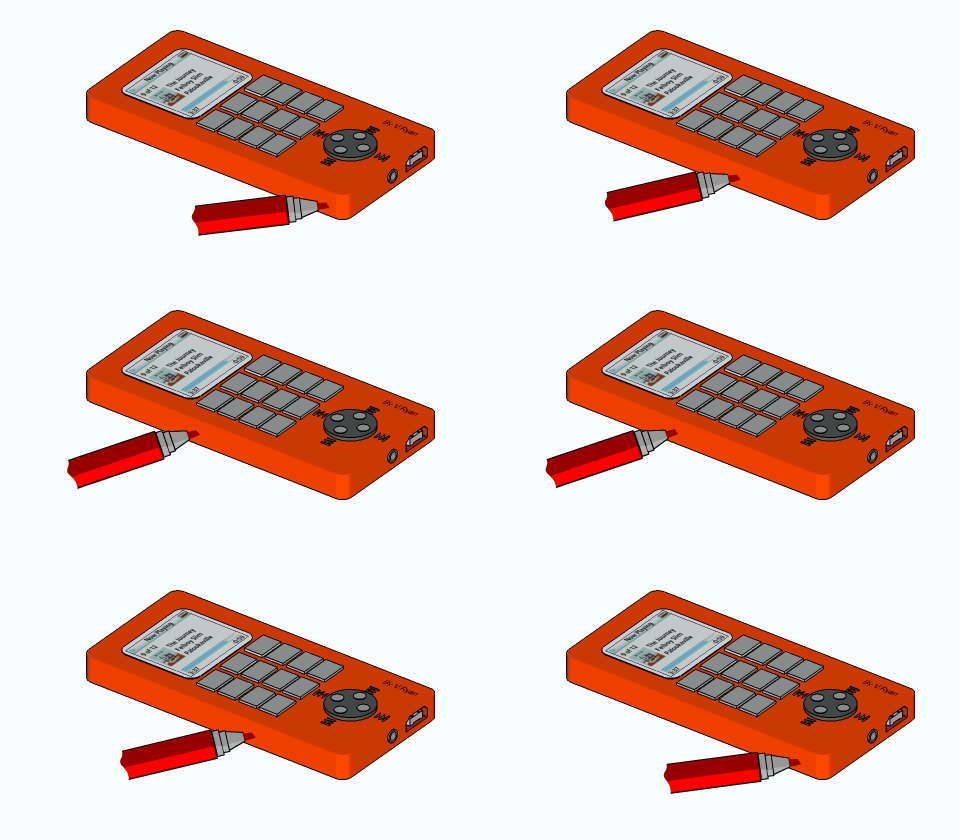
| CLICK HERE FOR INDEX PAGE |
DRAWING A MOBILE PHONE PAGE TWO |
| V. Ryan © 2007 |
| PDF FILE - CLICK HERE FOR PRINTABLE VERSION OF EXERCISE SHOWN BELOW |
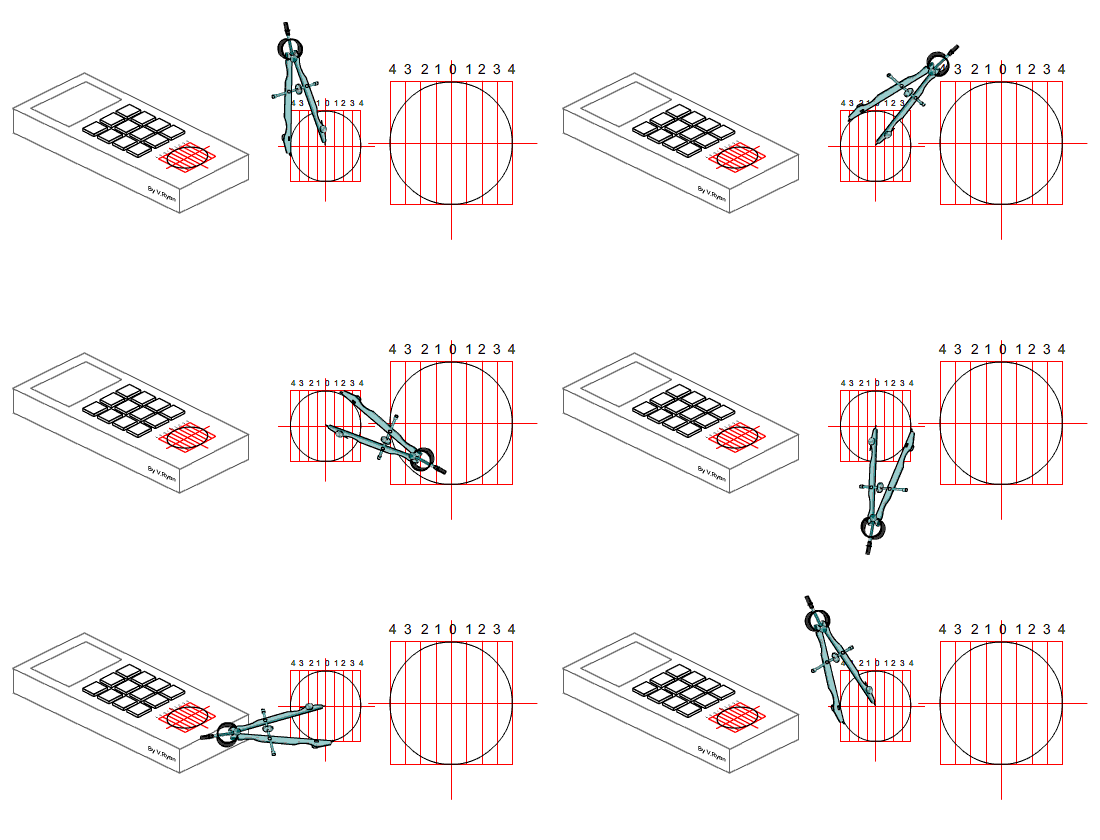
| STAGE FIVE: Draw the round cursor key using the isometric technique shown earlier. This is the most complex stage of the drawing. |
|
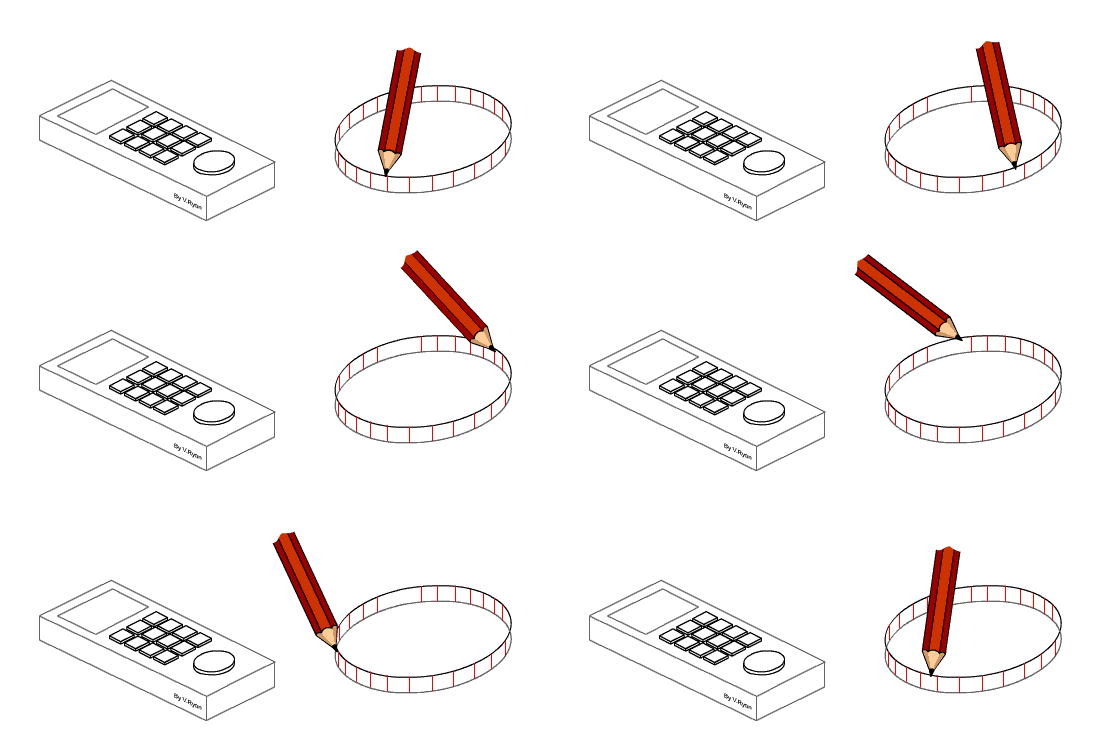
| STAGE SIX: Add height / thickness to the round cursor key. See previous technique. |
|
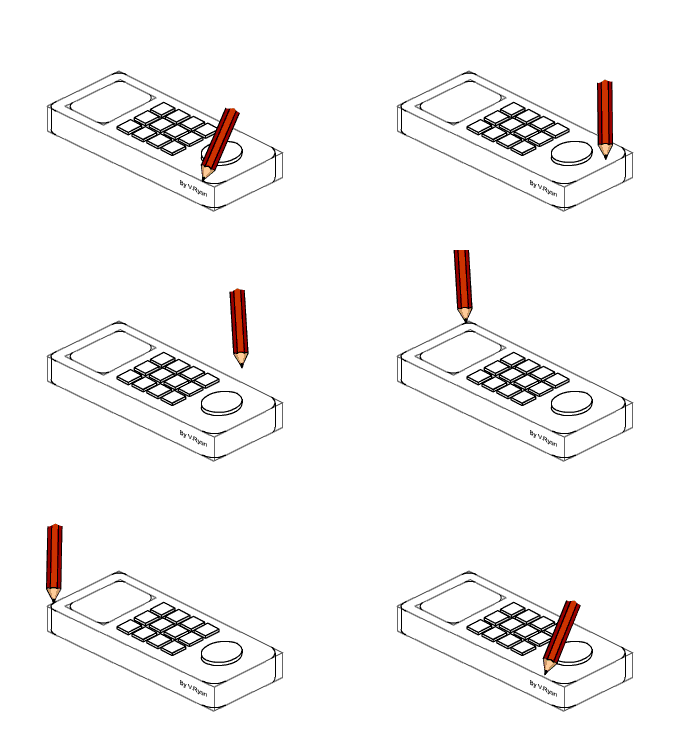
| STAGE SEVEN: Carefully ‘round’ the corners of the phone. This can be achieved ‘freehand’ / sketching. |
|
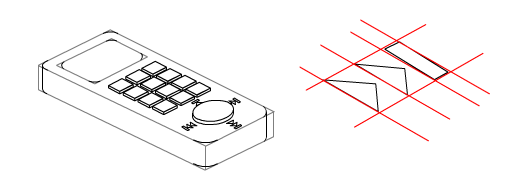
| STAGE EIGHT: Add the menu buttons. as these are quite small great care is needed in their construction. Even though they are small a 30 degree set square is the main piece of equipment used. |
|
| Add colour and shade using either felt pens or coloured pencils. Felt pens are the most striking and if applied well they give the most professional finish. (See estimated perspective for shading/colouring technique). |
|
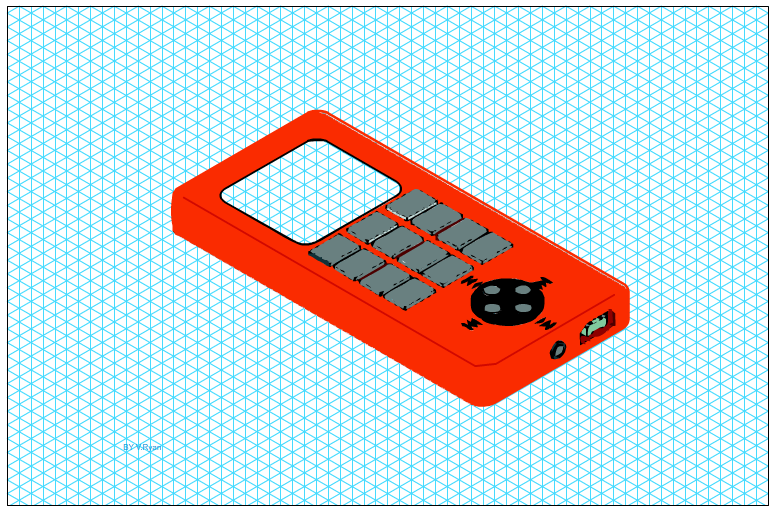
| ALTERNATIVE ISOMETRIC GRID LAYOUT |
| PDF FILE - CLICK HERE FOR ISOMETRIC GRID |
|
| CLICK HERE FOR GRAPHICS INDEX PAGE |
|
|