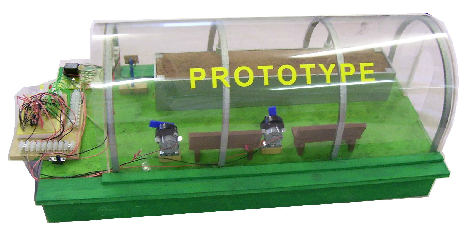
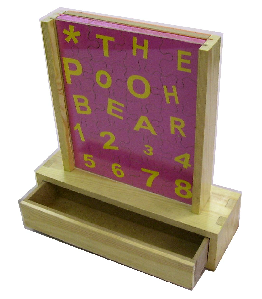
Usually a designer will make a number of models starting with quick card models progressing to more detailed scaled models manufactured from more expensive materials. Sometimes specialised modelling materials are used to produce hyper realistic models.
Making a model or range of models is regarded as good industrial practice.
2. Computer models allow the designer to apply colour and texture very easily change the very nature of the product in seconds.
3. If a potential client is viewing the computer model it can be changed and updated at the time of the meeting / interview.
4. A disadvantage of a computer model is that a computer and software are required.
5. Computer software can be used to calculate the cost of the finished product. For example, crocodile clips software can be used to calculate the cost of components required for a completed circuit. Most CAD software can be used to calculate the volume of materials needed. This means that a project can be costed early in the design process.
6. Spreadsheets can be used to calculate the cost of projects and this is an essential part of project work. Spreadsheets can also be used to model situations and are especially useful for systems and control projects. For instance, spreadsheets can be used to stimulated temperature change within a systems environment.
7. Flow charting software such as that used in crocodile technology allows the programming of a PIC Microcontroller circuit to be stimulated, tested and improved.
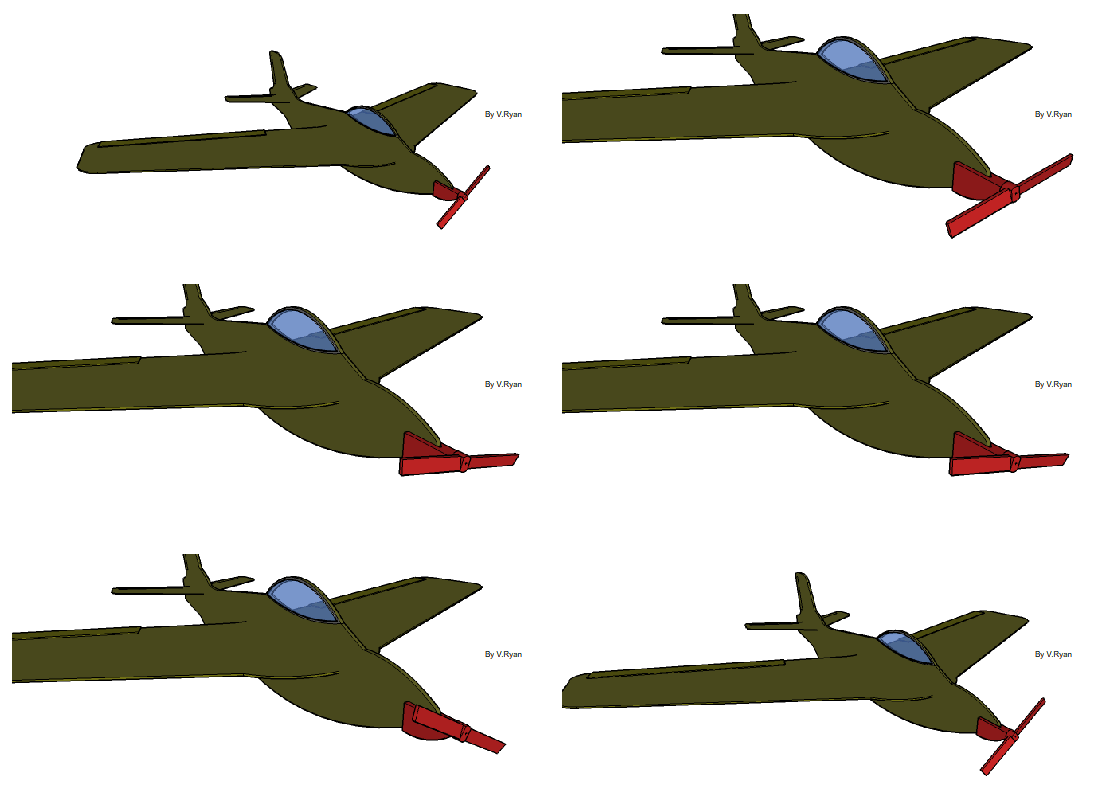
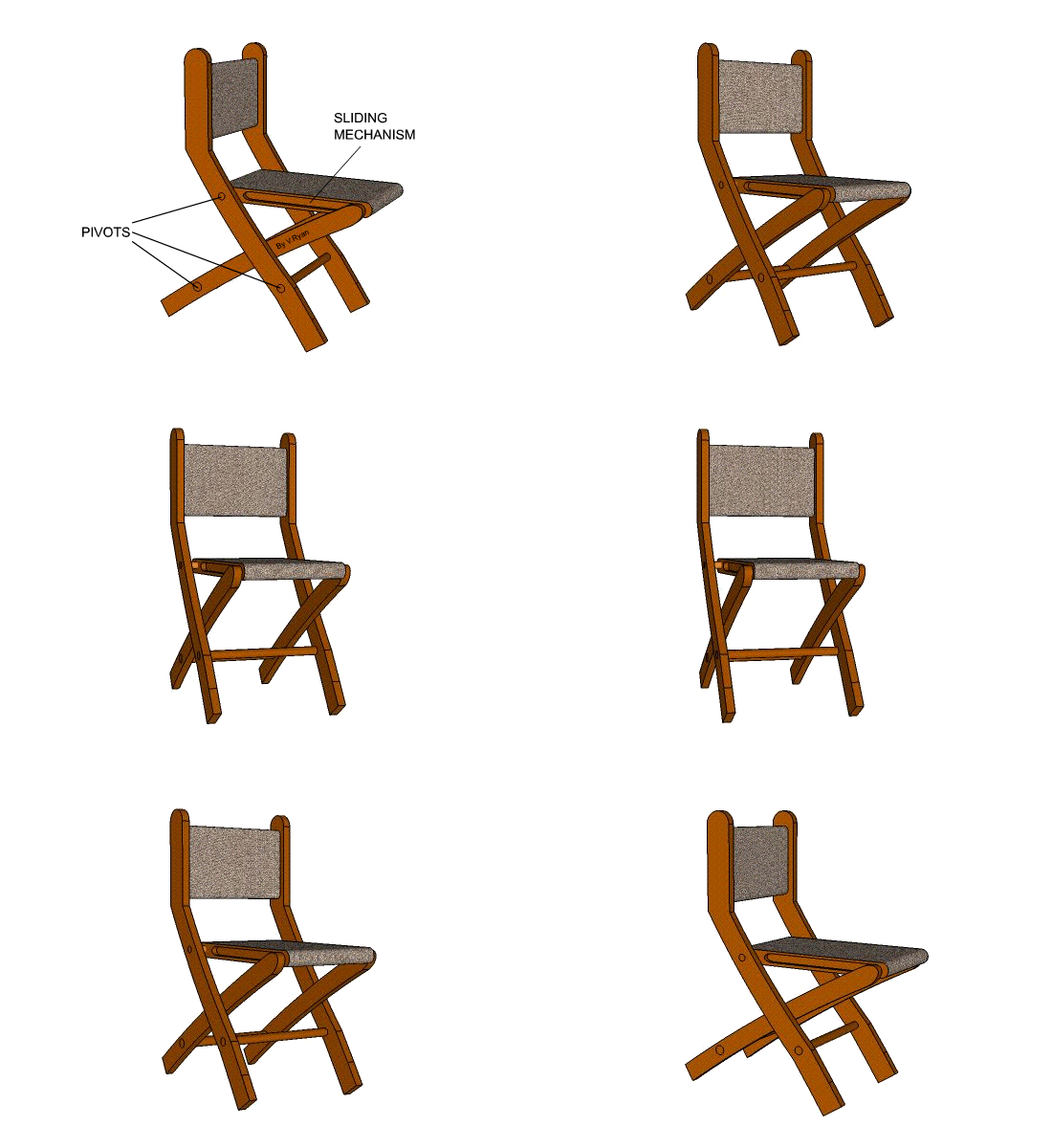
2. It helps the designer identify potential faults and correct them as well as make further improvements.
3. It allows the designer to experiment with a range of materials, eventually selecting the best materials for the chosen design. Sometimes it is a good idea to make a selection of models from a range of materials. This allows the designer to experiment before purchasing expensive materials for the actual manufactured product.
4. It allows a simple evaluation of the design by the designer and potential customers.
5. It is easier to record the views of others by showing them a 3D scaled model rather than a ‘flat 2D’ drawing.
6. A 3D model can be passed around a table of people who form a customer focus group.