CLICK HERE FOR INDEX PAGE


V. Ryan © 2002-2005


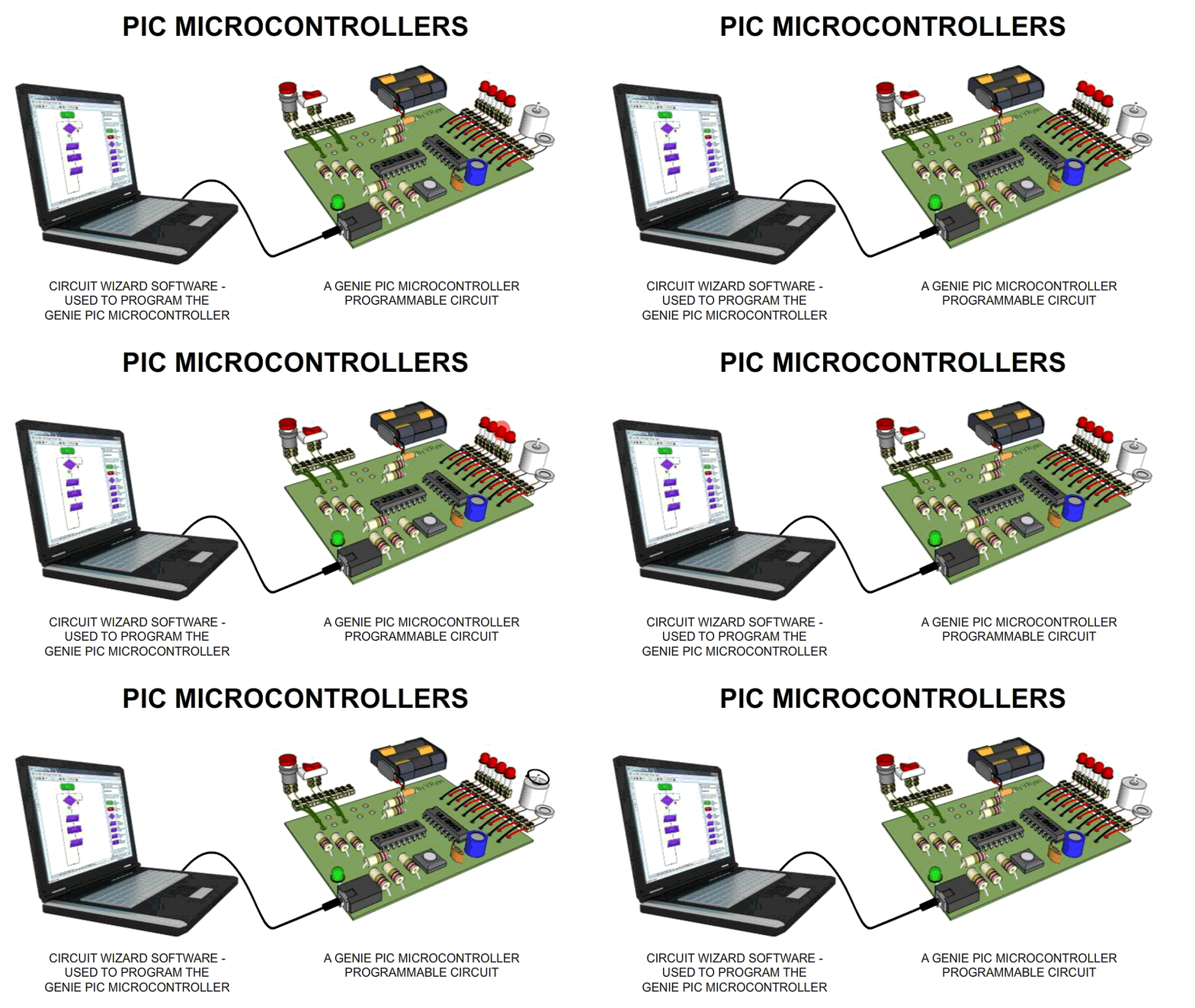
PIC Microcontrollers are quickly replacing computers when it comes to programming robotic devices. These microcontrollers are small and can be programmed to carry out a number of tasks and are ideal for school and industrial projects. A simple program is written using a computer, it is then downloaded to a microcontroller which in turn can control a robotic device. Click on the sections below to view a detailed explanation


1. Lesson Starter - PIC-Micro-controller


2. Sample Answer


3. Inputs and Outputs- Identification Question

LOGICATOR


1. PIC Microcontrollers


2. The Project Board


3. Simple Project Board Operation


4. PCB Version of Project Board


5. Programming Questions - Basic Commands


6. Traffic Lights Problem - Using Logicator Software and PIC Microcontrollers


7. House Security Device


8. Adding a Powerful Motor or Solenoid


PICAXE


1. The PICAXE-08 Microcontroller Integrated Circuit


2. The PICAXE-08 Project Board


3. Input, Process, Output - The PICAXE-08 Microcontroller


4. Using the Jumper Switch of the PICAXE-08 Microcontroller


5.Connecting the PICAXE-08 Microcontroller to other Components - 1


6. Connecting the PICAXE-08 microcontroller to other Components - 2


7. Programming a PICAXE-08 with Crocodile Technology®


8. Adding a Sensor to a PICAXE-08 Circuit


1. The PICAXE-18 Microcontroller and Pin Layout


2. The PICAXE-18 Microcontroller - Basic Operation


3. ThePICAXE-18 Microcontroller, Driver Chip and Sensors


4. The PICAXE-18 Microcontroller and Transducer Module


5. Alternative Layout to PICAXE -18


6. Programming the PICAXE Microcontroller with Crocodile Technology Software®


7. Basic PIC Micro-controller Projects with Smart Materials


8. Mechanisms / PIC-microcontroller Examination Question


SMART CARDS


1. What is a Smartcard ?


2. Smartcard Devices


3. The Smartcard Programmer


4. The Smartcard Reader


5. Using the Programming Module to Program


6. Samples Program Lines


7. Programming using Software and a Computer


Google
 
Web www.technologystudent.com